What should your practice do now?
If your practice website went dark this week, you’re not alone. Silicon Practice, the company behind around 1,000 GP practice websites and the FootFall online consultation platform, has gone into administration. Hundreds of sites across England and Wales are now offline or showing error pages.
For patients, that’s frustrating. For practice managers, it’s a headache that’s landed on top of an already full week. Online forms have stopped, prescription requests are coming in by phone and voicemail and somewhere in the background there’s a contract, a few direct debits and a lot of patient data that you can’t quite see right now.
So, where do you start? Here’s a practical checklist.
First things first: keep patients in the loop
Before the admin, think about the front door. NHS England has told patients at affected practices to contact their surgery by phone or in person, and to use NHS 111 for urgent care when the practice isn’t available. A clear message on your phone line, a poster in reception and a text to patients goes a long way. It’s also worth telling them what still works. Some practices have pointed out that the NHS App and SystmOnline are unaffected, because they don’t run on Silicon Practice.
Once patients know where to go, you can turn to protecting the practice itself.
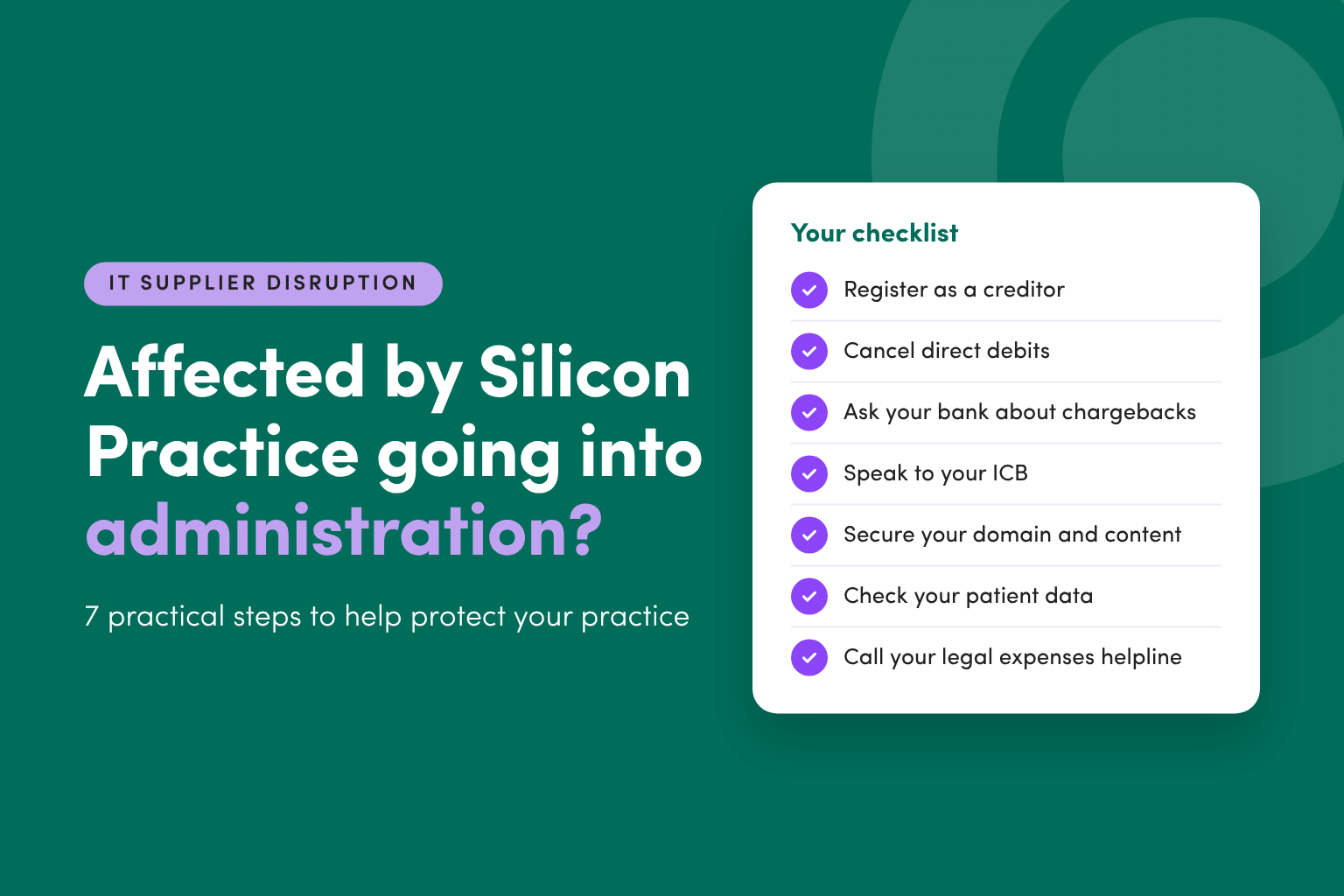
Seven steps to protect your practice
1. Register as a creditor for any prepaid fees
If you paid upfront for a year of hosting or FootFall, that money now sits with the administrators. Register as a creditor so your claim is on record. You may not get everything back (creditors rarely do), but if you’re not registered, you won’t get anything.
2. Cancel direct debits and standing orders
This one’s quick. Stop any regular payments to Silicon Practice or its parent company, Schappit Ltd, so you’re not paying for a service you aren’t getting. Keep a note of the date and the amounts, in case you need them for your creditor claim.
3. Ask your bank about a chargeback
Paid recently by card? Speak to your bank. Depending on the card and the timing, you may be able to reclaim payments for services that were never delivered. Banks set their own time limits, so don’t leave this for a quieter week. (Is there ever a quieter week?)
4. Ask your ICB what help is on offer
You don’t have to sort this out alone. NHS England and local ICBs are helping affected practices find replacement websites and online consultation tools. Some ICBs have already issued continuity guidance and set up support inboxes. Ring or email yours and ask what’s available locally, and whether there’s a preferred or funded supplier.
5. Secure your website domain and content
Your web address is often worth more than the website. Patients, letters, leaflets and the NHS website all point to it. Find out who the domain is registered to. If it’s in Silicon Practice’s name rather than yours, ask the administrators to transfer it. Gather what you can of your content too: opening hours, staff pages, policies, practice leaflets. A new provider will need it, and rebuilding from memory isn’t fun.
6. Check what patient data was held, and whether it’s secure
Online consultation forms often contain sensitive clinical details. Ask the administrators what data was stored, where it is now, and how it’s being protected or deleted. Check your data processing agreement with Silicon Practice, and talk to your Data Protection Officer. If you think there’s been a personal data breach, your DPO can help you decide whether it needs reporting to the ICO, which normally has to happen within 72 hours.
7. Use your legal expenses helpline
Plenty of practices have a legal expenses helpline through an insurance policy and forget it’s there. This is exactly what it’s for. A quick call can help you understand where you stand on the contract, what the administrators can and can’t do, and what your data obligations look like. It costs nothing to ask, and it’s far cheaper than guessing.
A good moment to look at your other IT contracts
Nobody expects a supplier to fold overnight. But it does happen and Silicon Practice won’t be the last. While it’s fresh in your mind, look at your contracts with other key IT suppliers: telephony, clinical systems, online booking, cloud storage. A few questions to ask:
- Who owns the domain, the data and the content if the supplier goes under?
- How would you get your data back, and in what format?
- Is there a backup plan, or a second supplier you could switch to quickly?
- How much are you paying upfront, and could that be monthly instead?
Not sure how your cover would respond?
Supplier failures sit in a grey area for a lot of practices. Would your policy help with legal costs? Lost income? A data breach? The answers depend on the cover you hold, and the small print matters.
If you’d like to talk it through, our team is always happy to help. You can get in touch here or call us on 020 3982 0420.
This article is general guidance and isn’t legal advice. Details of the Silicon Practice administration may change, so check with the administrators and your ICB for the latest position.